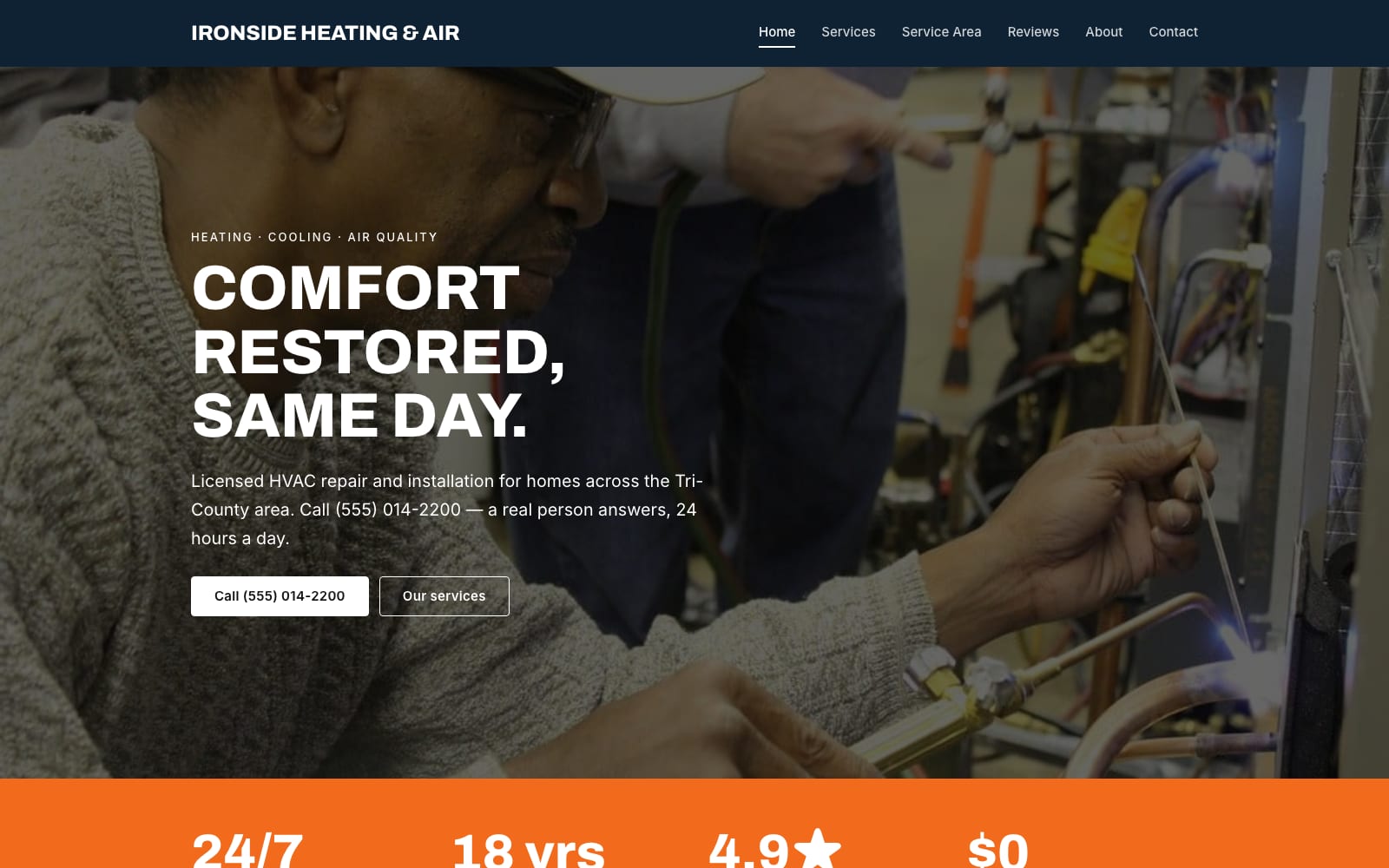
Google Sites Template for HVAC Contractors
FreeIronside · Google Sites template
Every template is free during our launch testing period. Browse templates
Pick a template, make a copy in your Google Drive, replace the text and photos, and publish. Your website runs free on Google Sites, and you can connect your own domain.

2 templates · Contractors, repair, cleaning, auto and home services.
2 templates · Photographers, designers, musicians, DJs and artists.
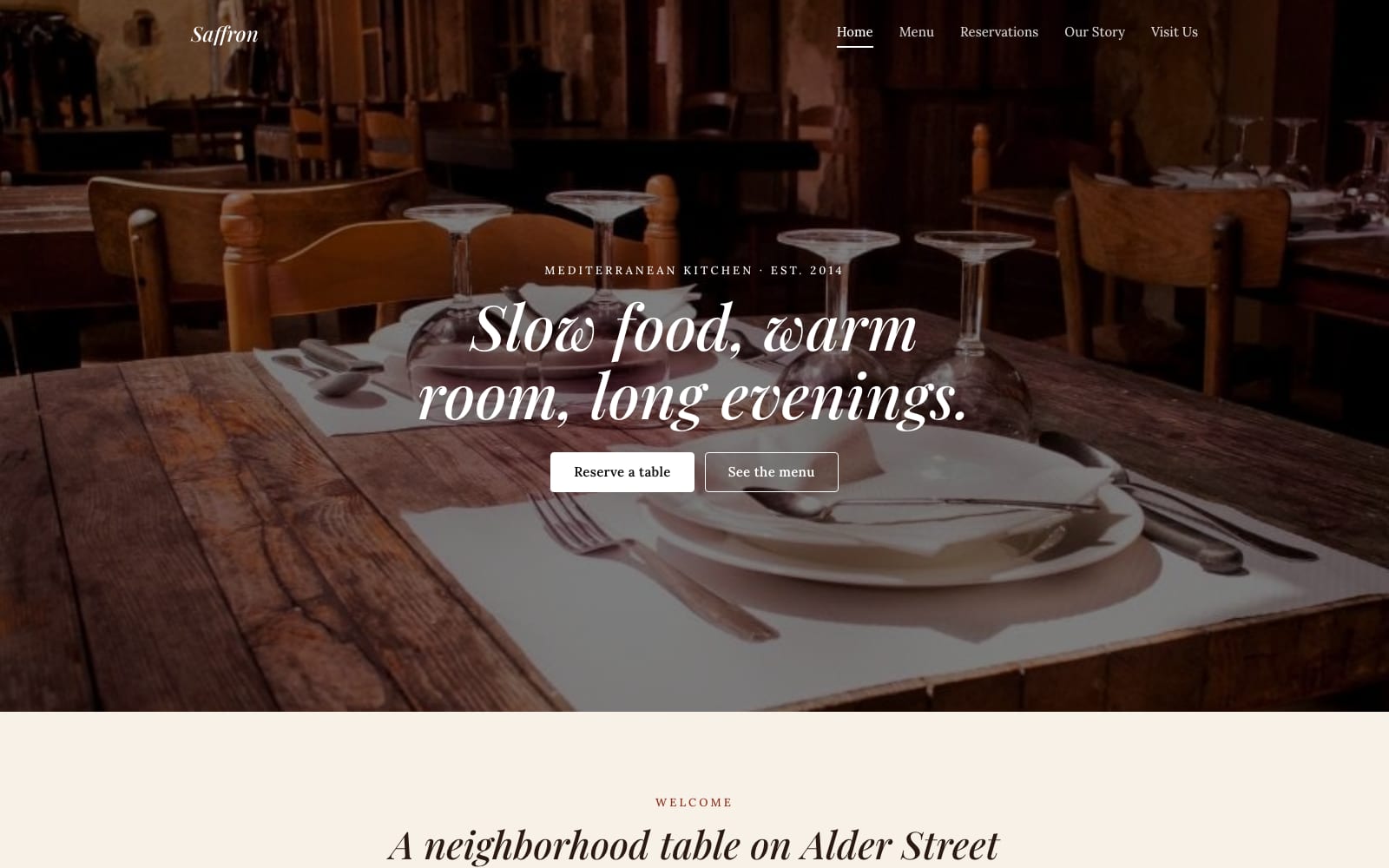
2 templates · Restaurants, cafés, bakeries, caterers and food trucks.
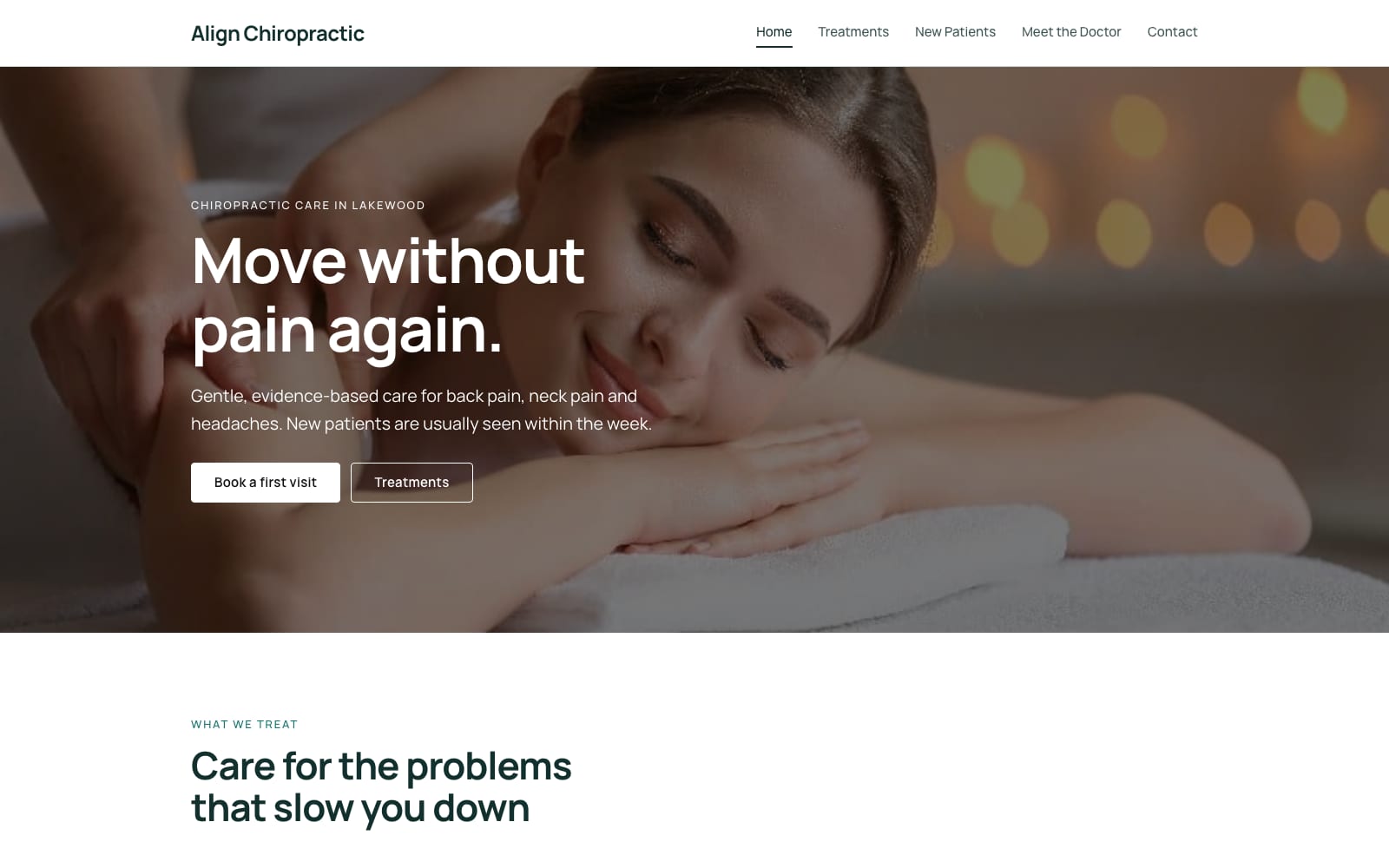
2 templates · Clinics, chiropractors, dietitians, therapists and studios.
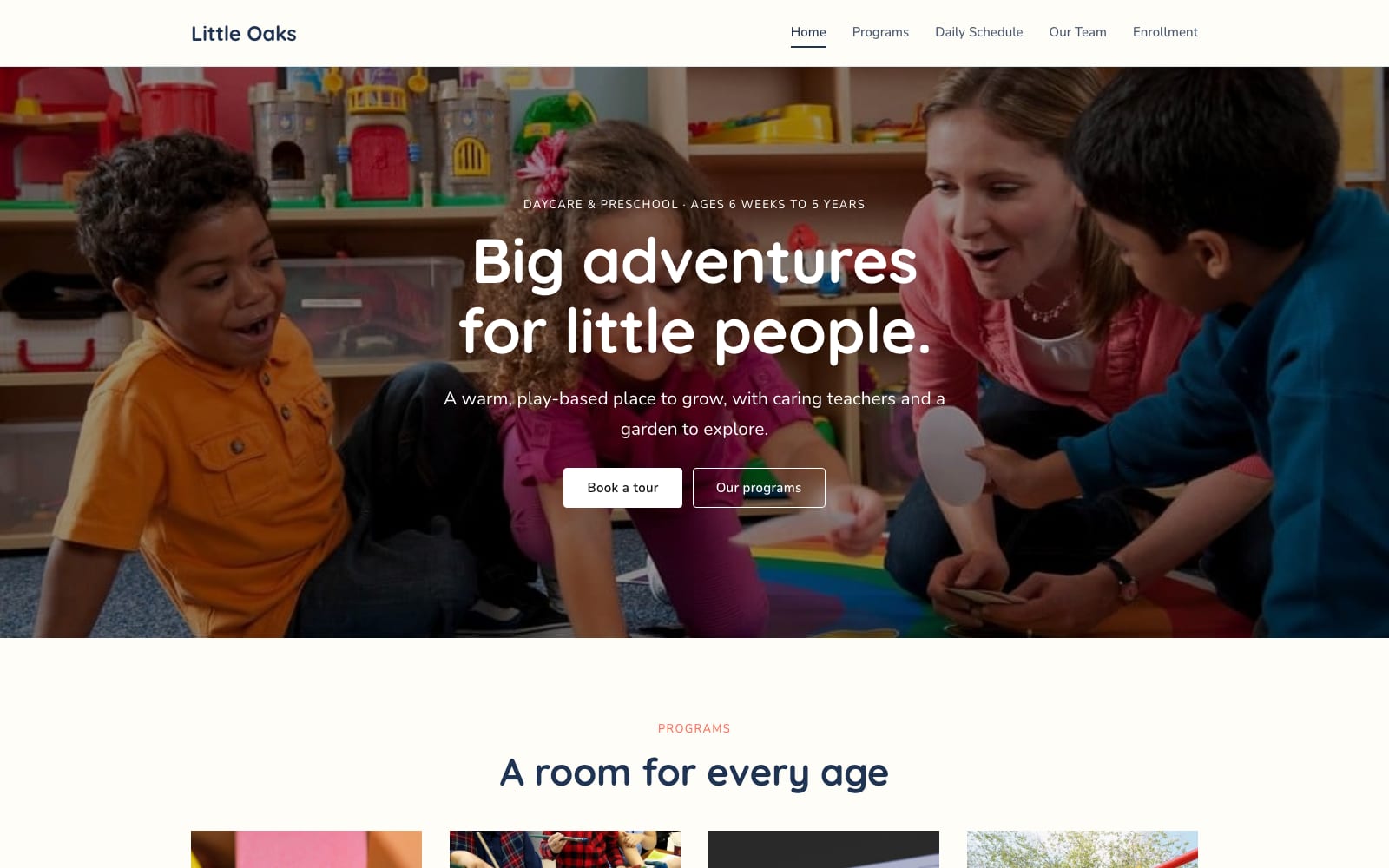
2 templates · Schools, daycares, tutors, classes and courses.
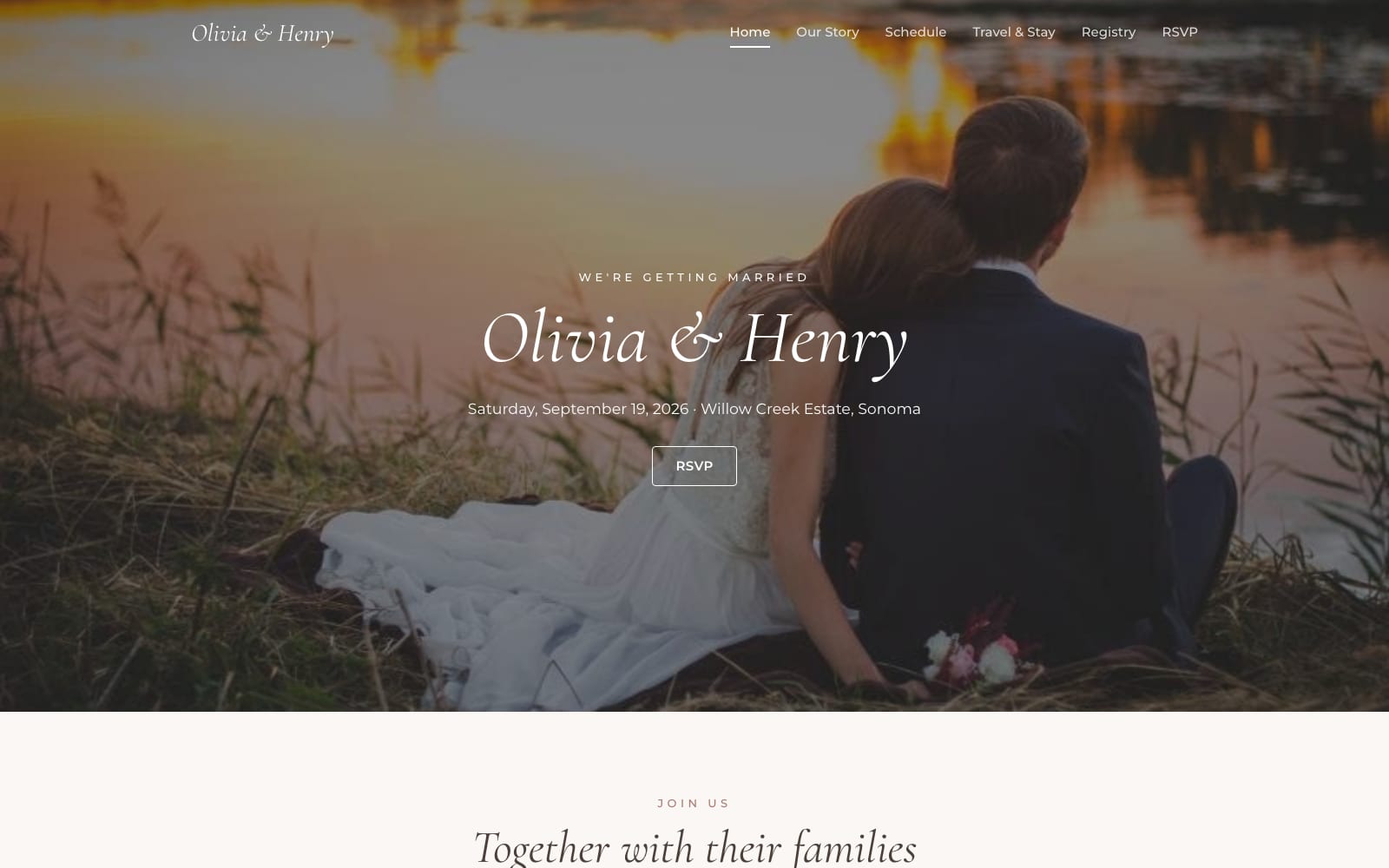
2 templates · Weddings, parties, conferences and event planners.
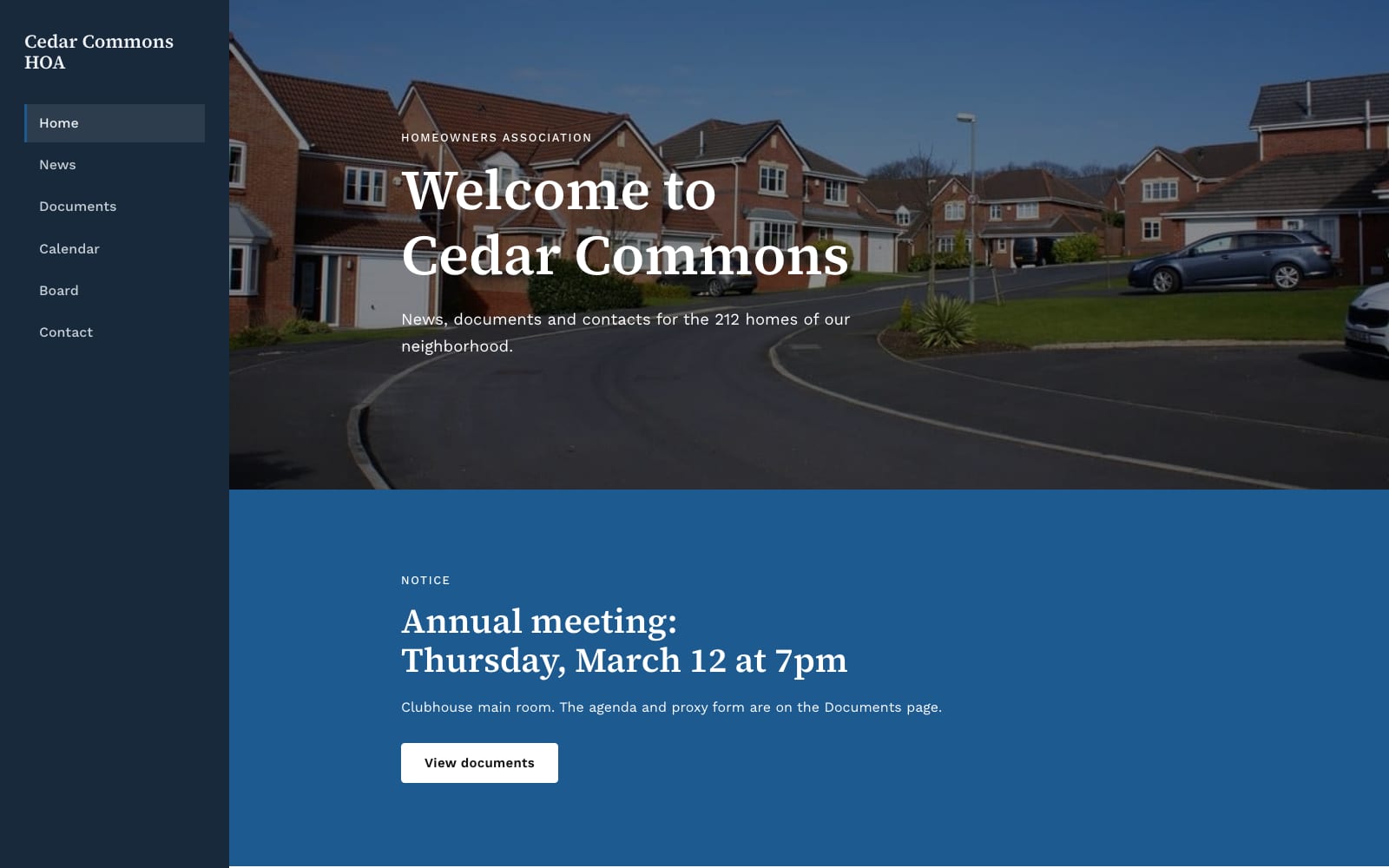
2 templates · Charities, churches, clubs, HOAs and neighborhood groups.
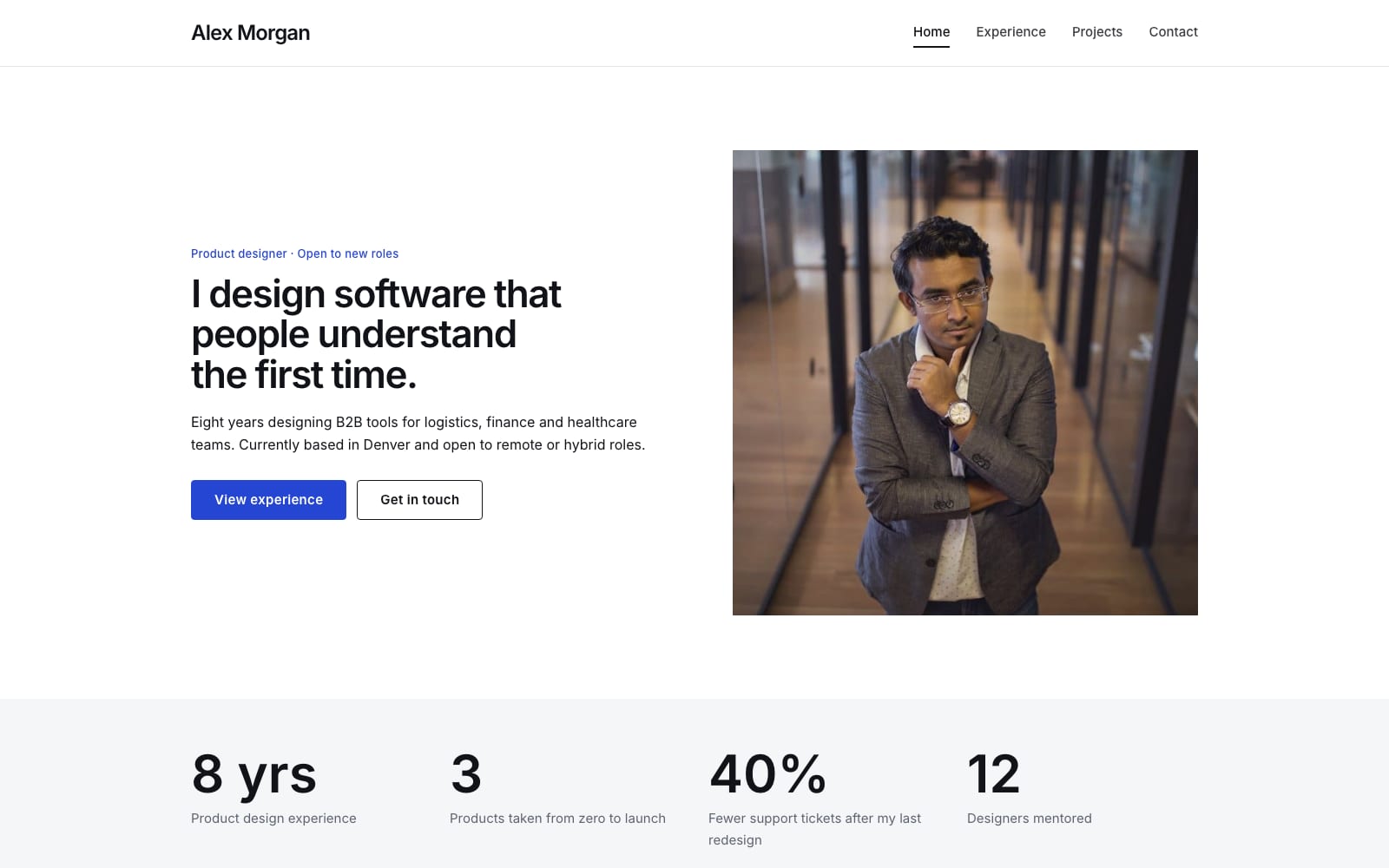
2 templates · Resumes, personal sites, speakers and authors.
Ironside · Google Sites template
Aperture · Google Sites template
Saffron · Google Sites template
Align · Google Sites template
Little Oaks · Google Sites template
Evermore · Google Sites template
Commons · Google Sites template
Byline · Google Sites template
Choose a template and click “Get This Template”. It is free.
Open the template and make a copy. The copy is saved to your own Google Drive.
Replace the text and photos with your own, then click Publish.
New to Google Sites? Read the step-by-step guides.
All 16 templates are free during our launch testing period. Claim as many as you like, make a copy of each in your Google Drive, and keep them.
Hosting on Google Sites is free too, so a finished website costs nothing to run.
Yes. Every template is free during our launch testing period. There is no checkout and no payment details are needed to claim one.
Open a template page and click “Get This Template”. You receive a link to the template, make a copy in your own Google Drive, and then customize and publish the copy yourself.
Only a free Google account. Google Sites runs in your browser, so there is nothing to install.
No. Google Sites hosting is free, so your site costs nothing to run after you publish it. A custom domain name is optional and is bought separately from a domain registrar.
Yes. You can connect a domain you own to your Google Site. The address must include a subdomain like www, for example www.yourname.com.
No. You edit a Google Site by clicking on text and typing, and by replacing the placeholder photos with your own.
Every template is free to use for your own projects and for client projects. You may not resell or redistribute the template itself.