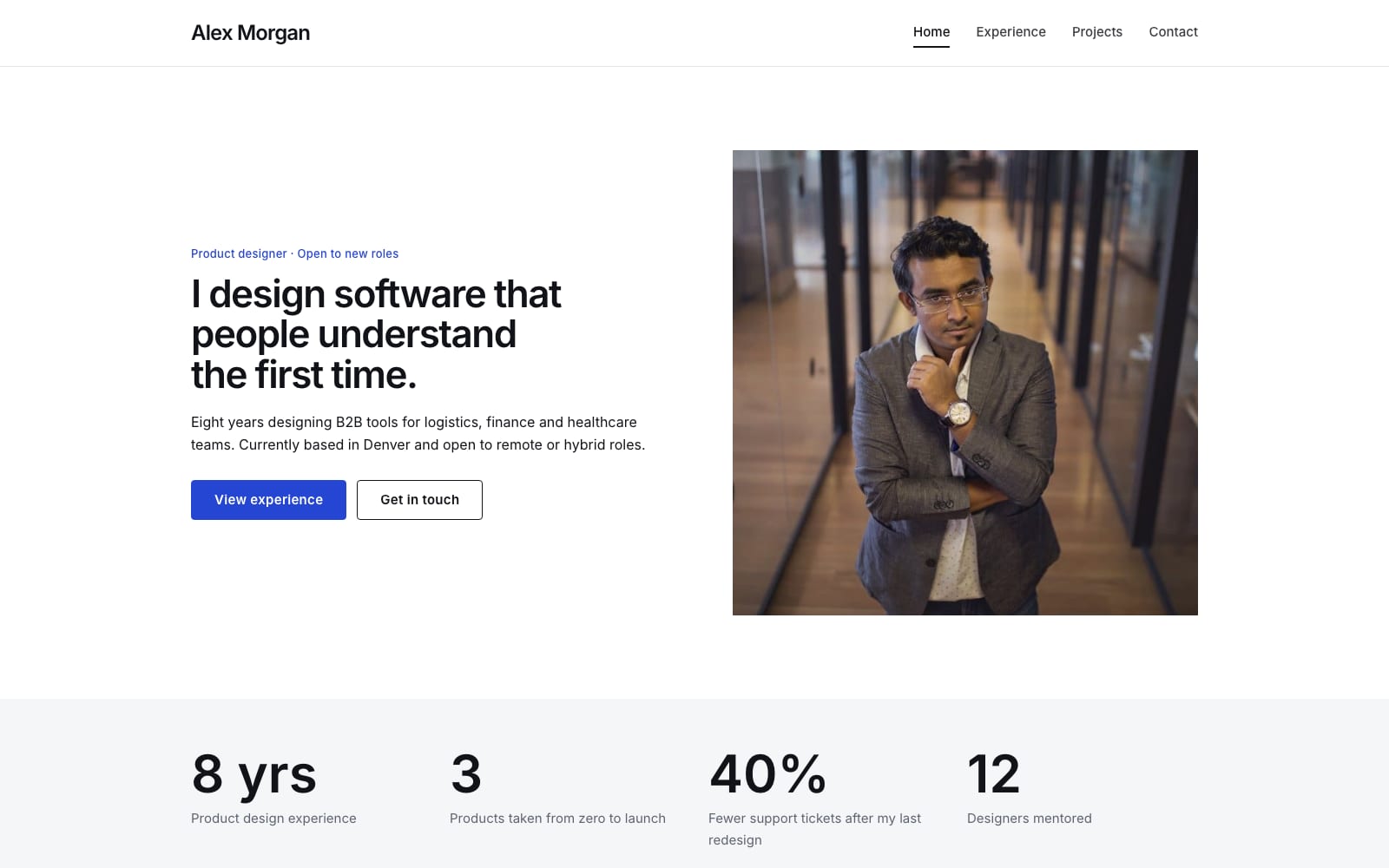
Google Sites Template for Job Seekers
FreeByline · Google Sites template
Every template is free during our launch testing period. Browse templates
A personal website gives you one link to put on a resume, an email signature or a social profile, and it shows more than a single page of bullet points can. With Google Sites you can lay out your experience, embed work samples from Google Drive, add a downloadable PDF resume and include a contact button.
The templates in this category are deliberately simple: an introduction, experience and skills, selected work or talks, and a way to get in touch. They are quick to fill in and easy to keep up to date as your work changes, and a free sites.google.com address is enough to get started.
Choose a template and click “Get This Template”. It is free.
Open the template and make a copy. The copy is saved to your own Google Drive.
Replace the text and photos with your own, then click Publish.