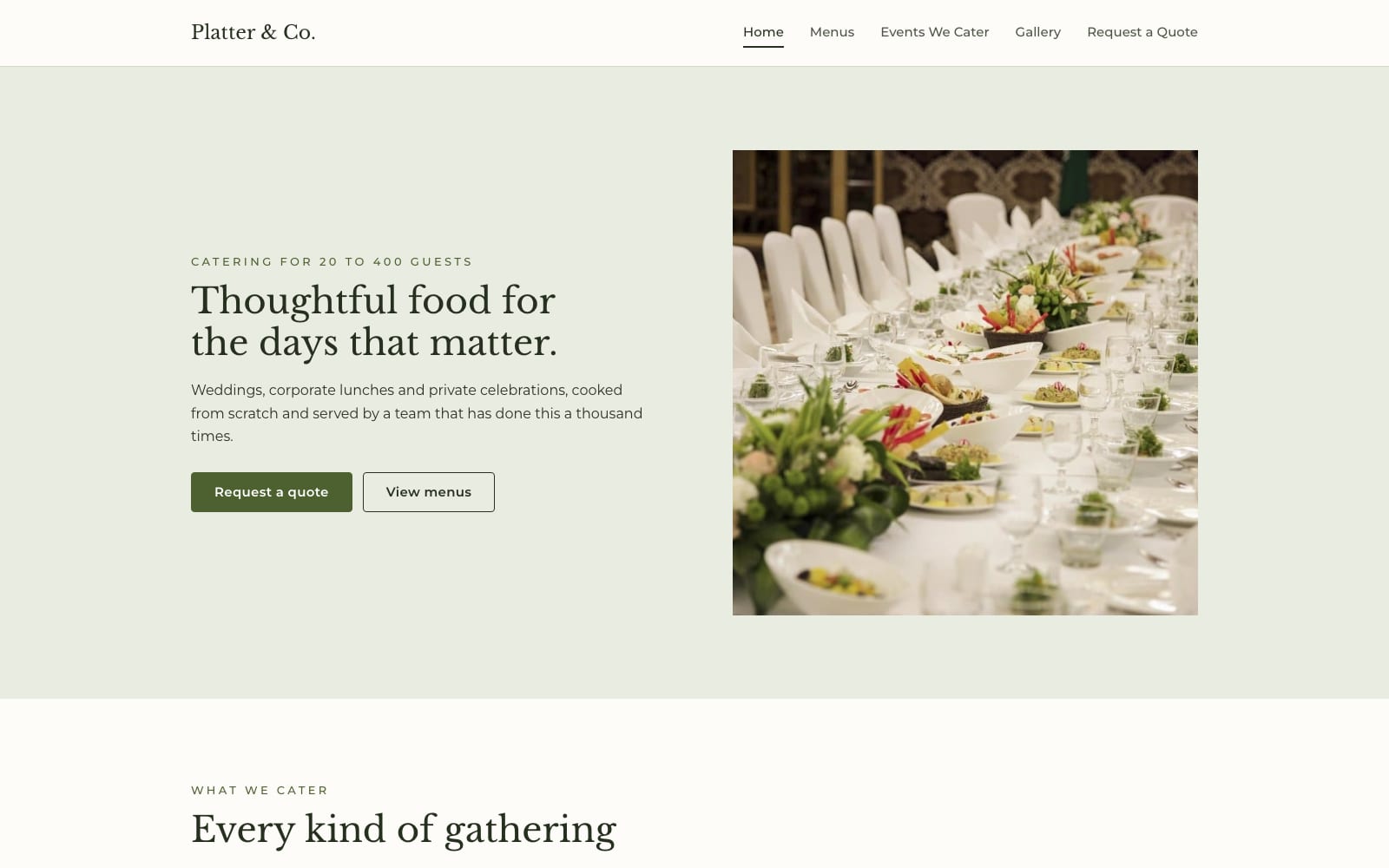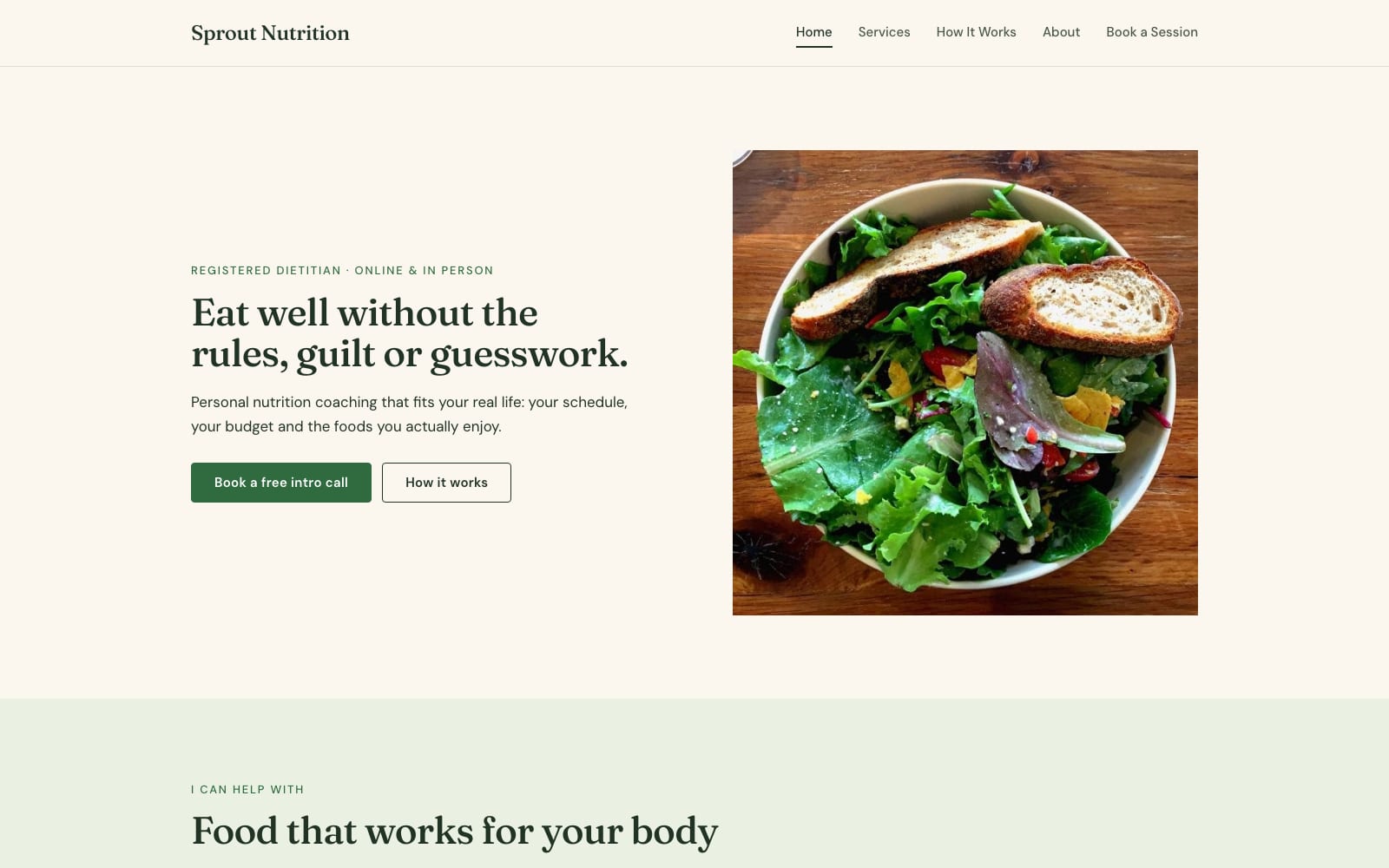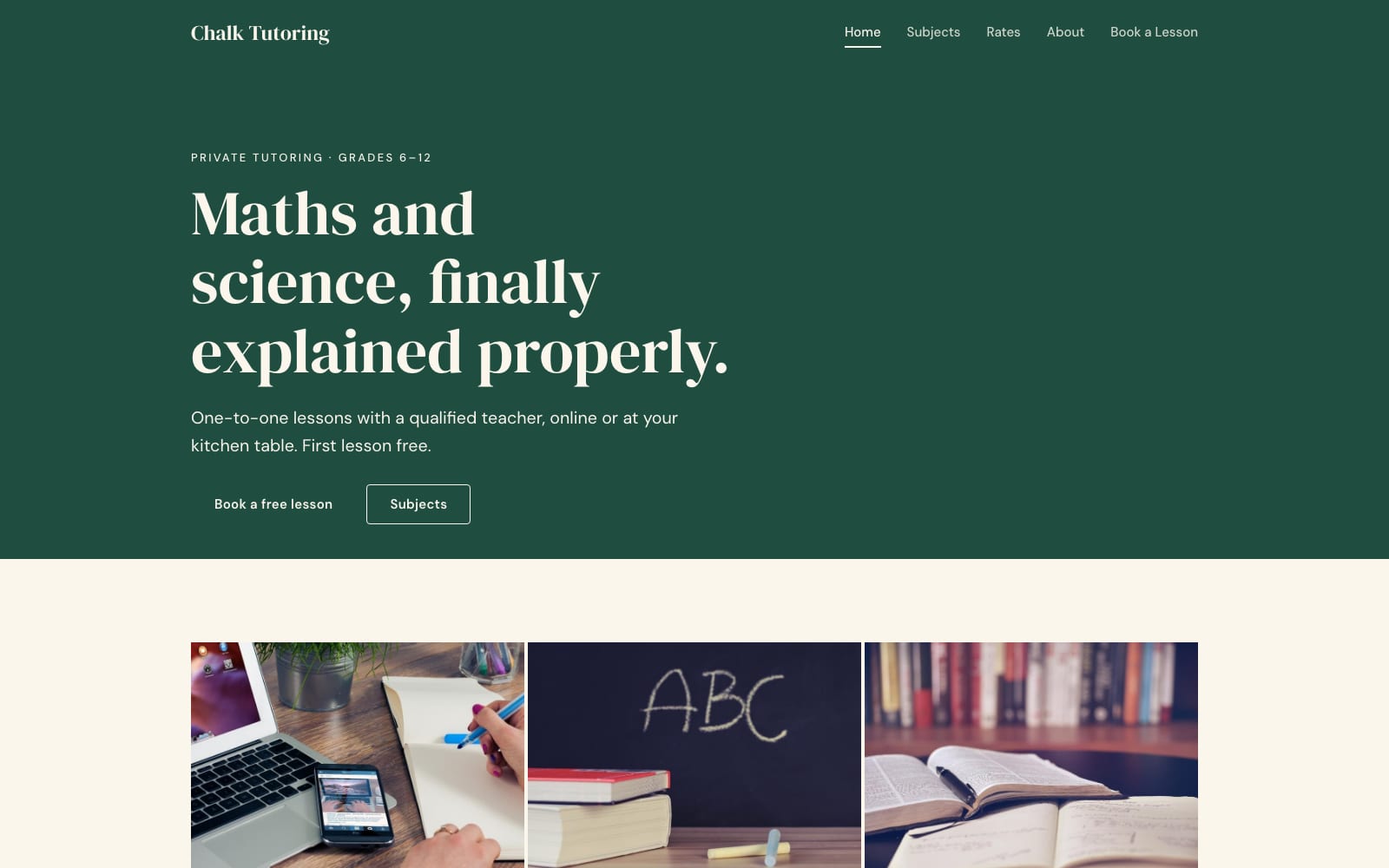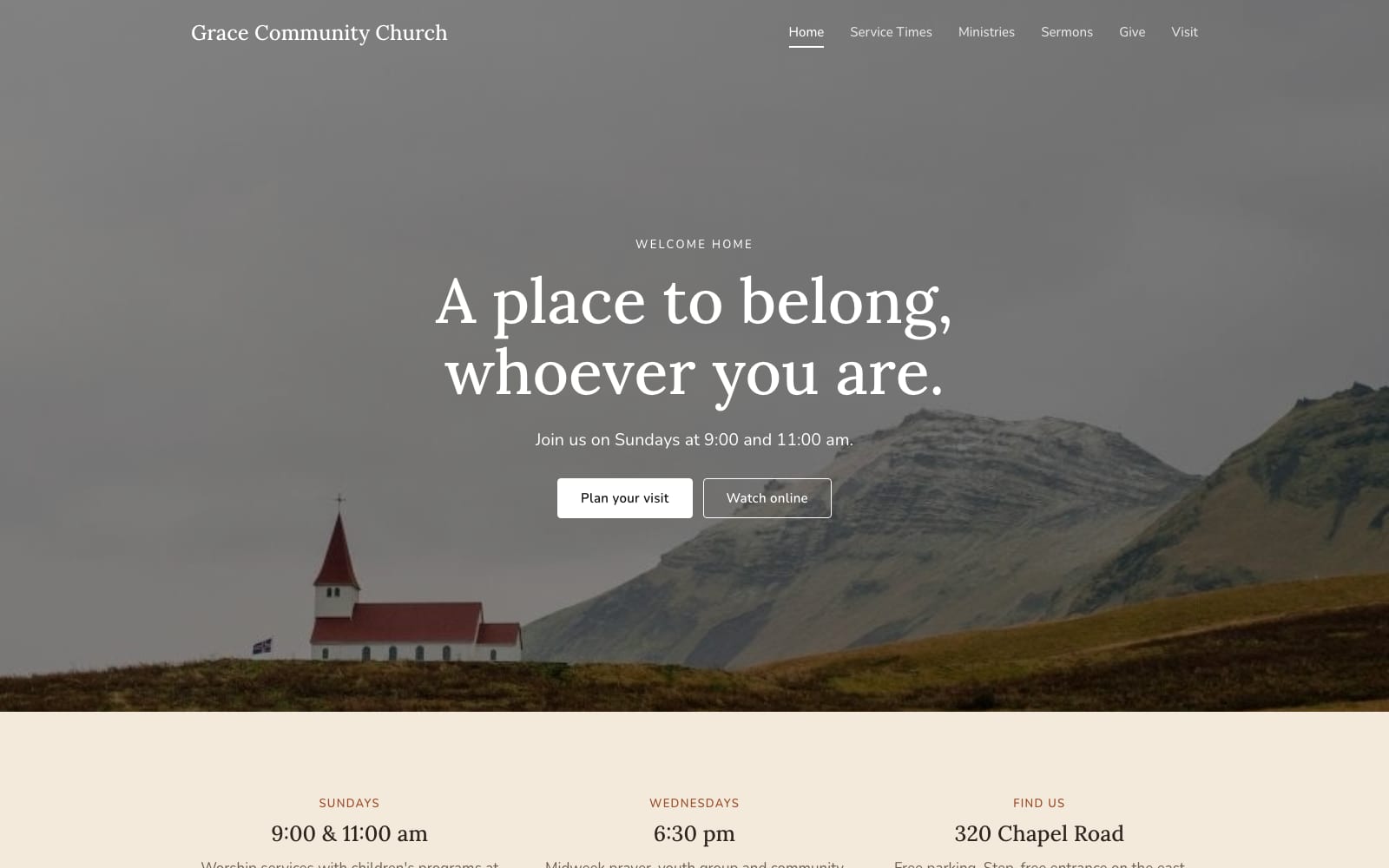
Google Sites Template for HVAC Contractors
FreeIronside · Google Sites template
Every template is free during our launch testing period. Browse templates
Google Sites is the website builder that comes with every Google account. There is nothing to install and no hosting plan to buy: you edit your site in the browser, the same way you edit a Google Doc, and publish it with one button.
Each template here is a complete Google Site with pages, layout, a custom theme and placeholder text and photos already in place. You make a copy in your own Google Drive, swap in your details, and publish.
2 templates · Contractors, repair, cleaning, auto and home services.

2 templates · Photographers, designers, musicians, DJs and artists.
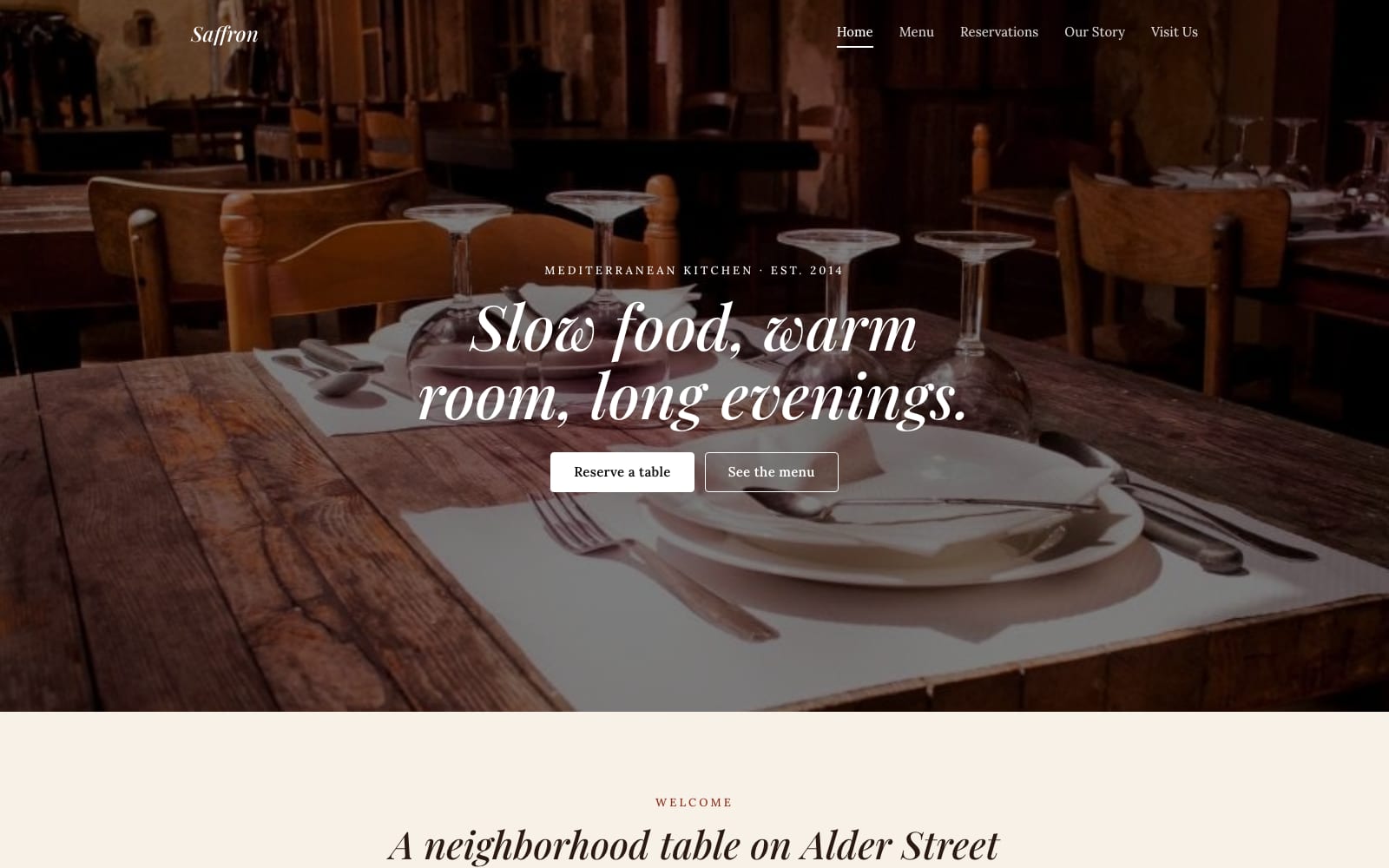
2 templates · Restaurants, cafés, bakeries, caterers and food trucks.

2 templates · Clinics, chiropractors, dietitians, therapists and studios.
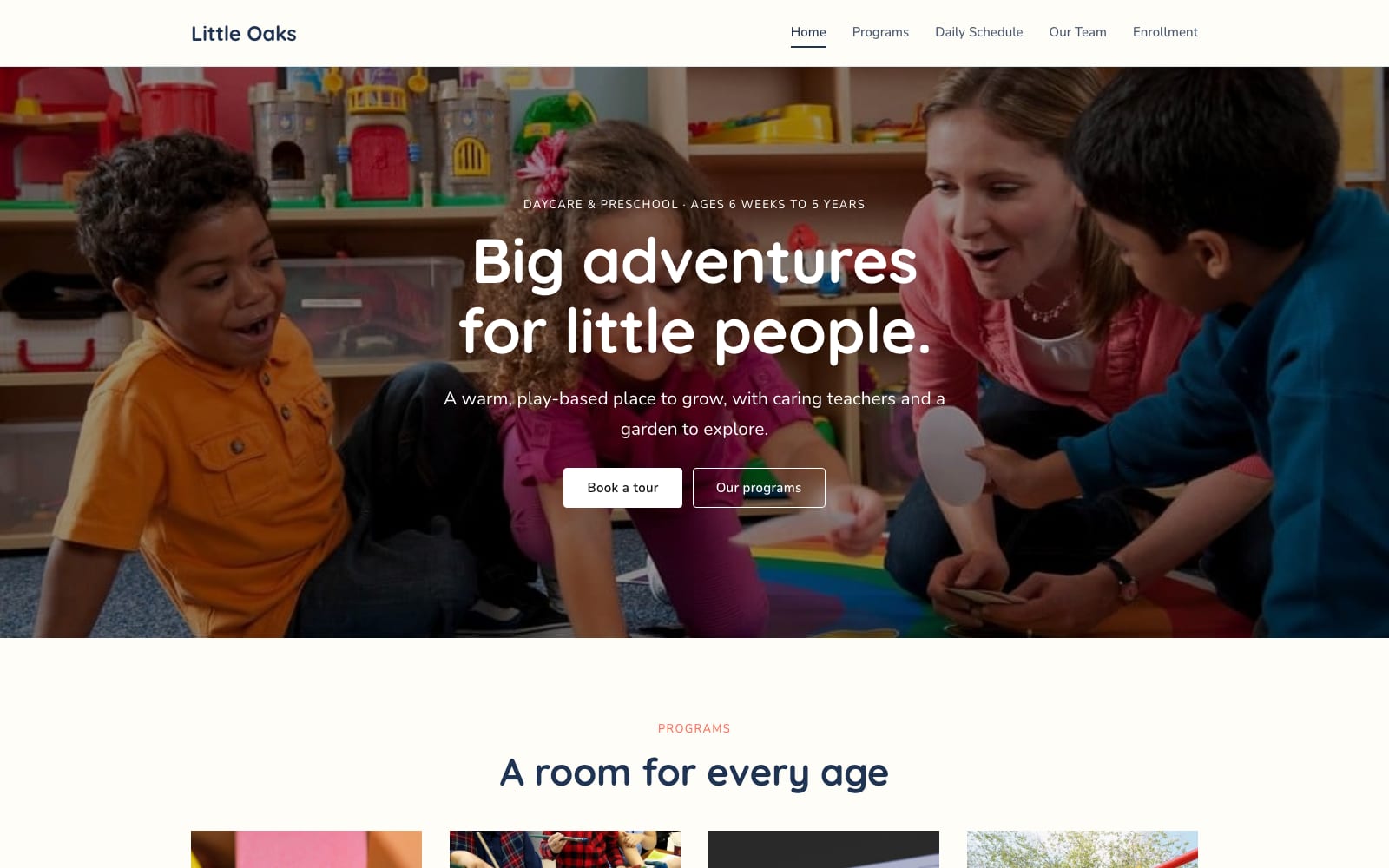
2 templates · Schools, daycares, tutors, classes and courses.
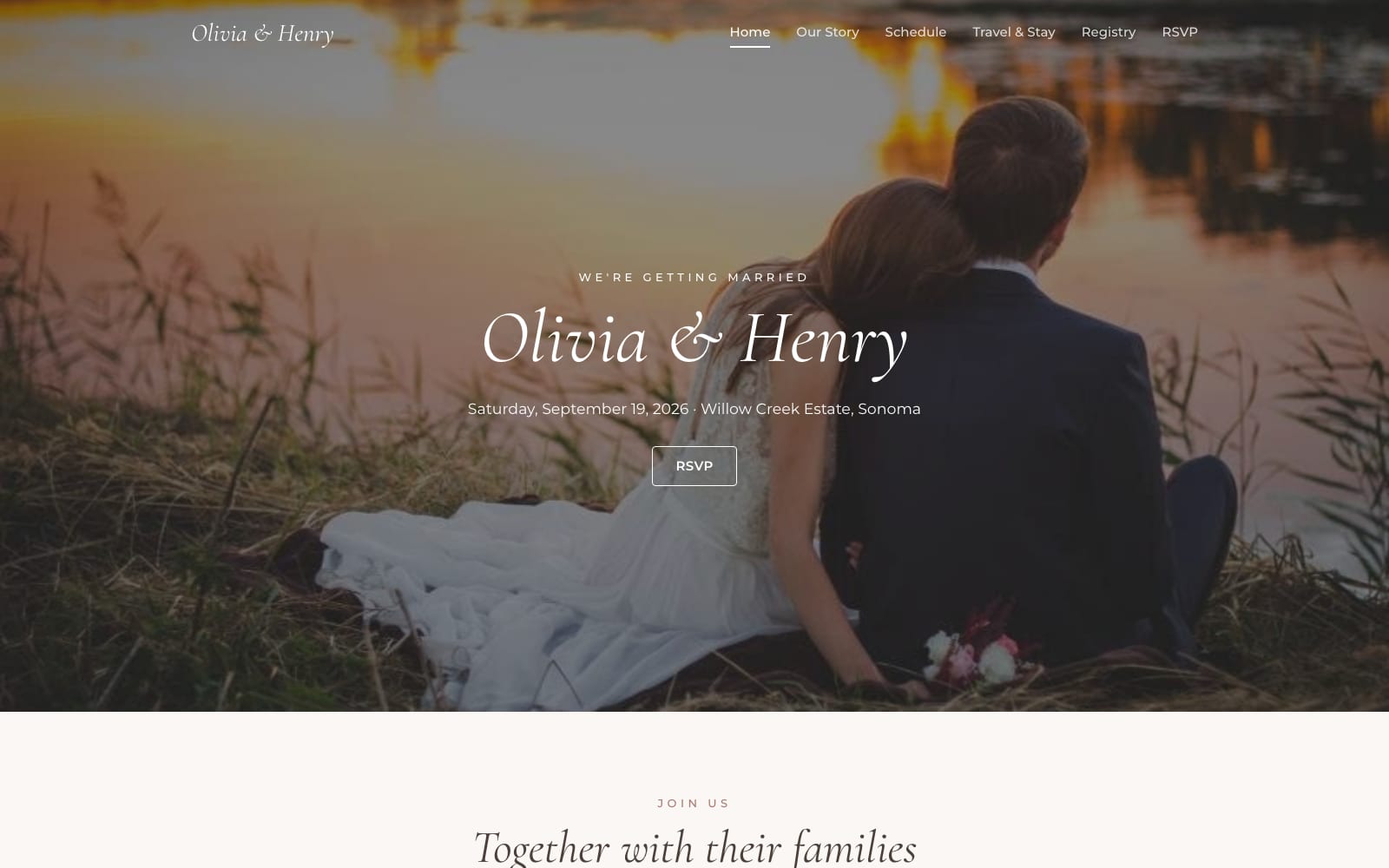
2 templates · Weddings, parties, conferences and event planners.
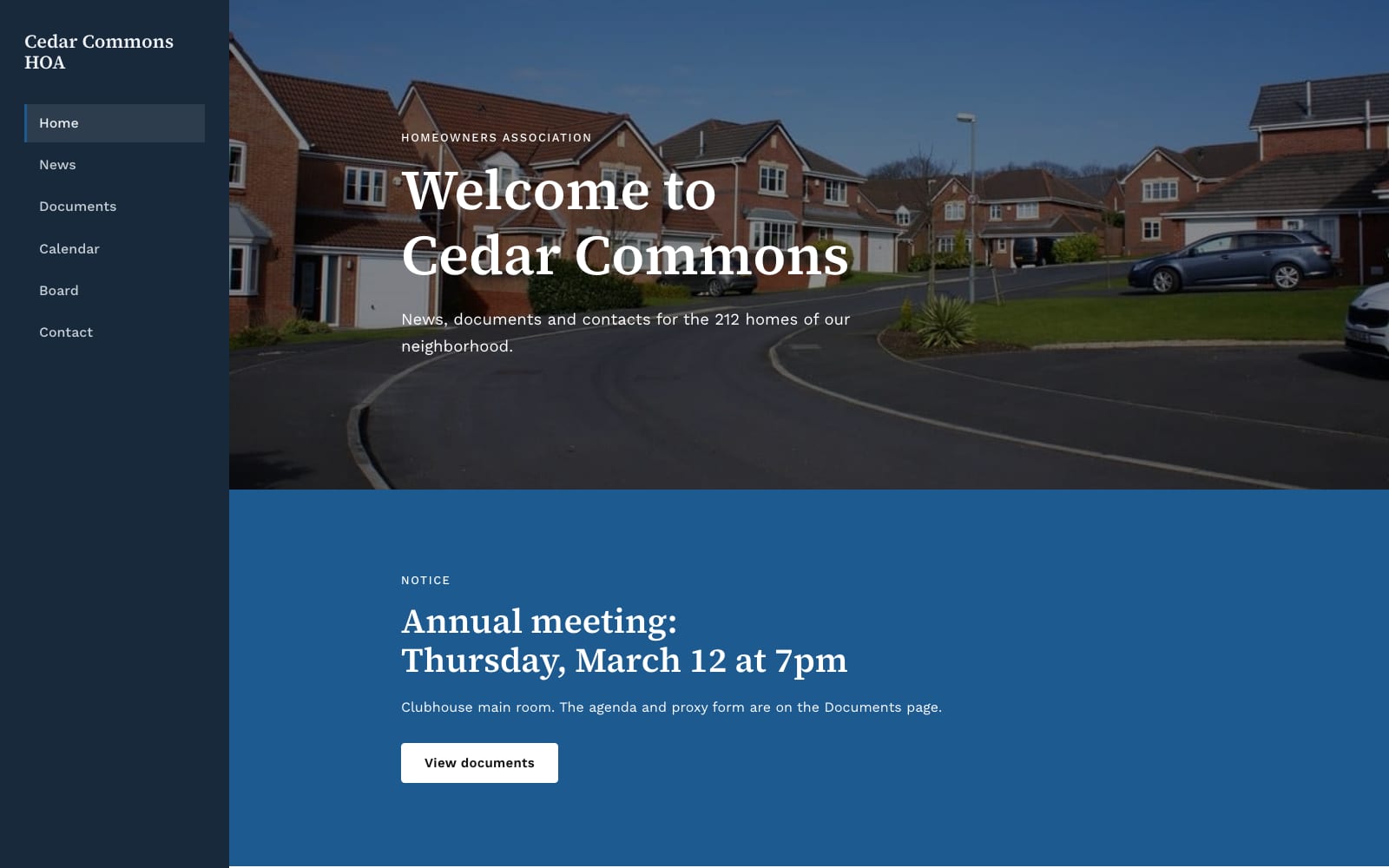
2 templates · Charities, churches, clubs, HOAs and neighborhood groups.

2 templates · Resumes, personal sites, speakers and authors.
Google hosts published sites for free, so your website costs nothing to keep online.
Click any text to rewrite it, drag sections to reorder them, and replace photos straight from your computer or Google Drive.
Publish on a free sites.google.com address, or connect a domain you own such as www.yourname.com.
The copy lives in your Google Drive under your account. Edit it whenever you like, with no subscription.
Choose a template and click “Get This Template”. It is free.
Open the template and make a copy. The copy is saved to your own Google Drive.
Replace the text and photos with your own, then click Publish.
Step-by-step instructions for claiming a Google Sites template, making your own copy in Google Drive and opening it for editing.
Connect a domain you own to a Google Site. Covers the custom domain setup, verifying ownership, the CNAME record, the www requirement and how long changes take.
How to publish a Google Site, make it visible to the public, update it after changes and share the link. Includes the free sites.google.com address versus a custom domain.
It is a finished Google Site that you copy into your own Google Drive. The copy includes every page, the layout, the theme and placeholder content, ready for you to replace with your own text and photos.
No. Google Sites is included with a free Google account, and Google hosts your published site at no cost.
Yes. You can connect a domain you own in the site's settings. The address must include a subdomain such as www, for example www.yourname.com. Connecting it is free; you only pay your registrar for the domain itself.
Yes. Every template is a normal Google Site, so you can change the theme, add or remove pages and sections, and rearrange anything in the Google Sites editor.