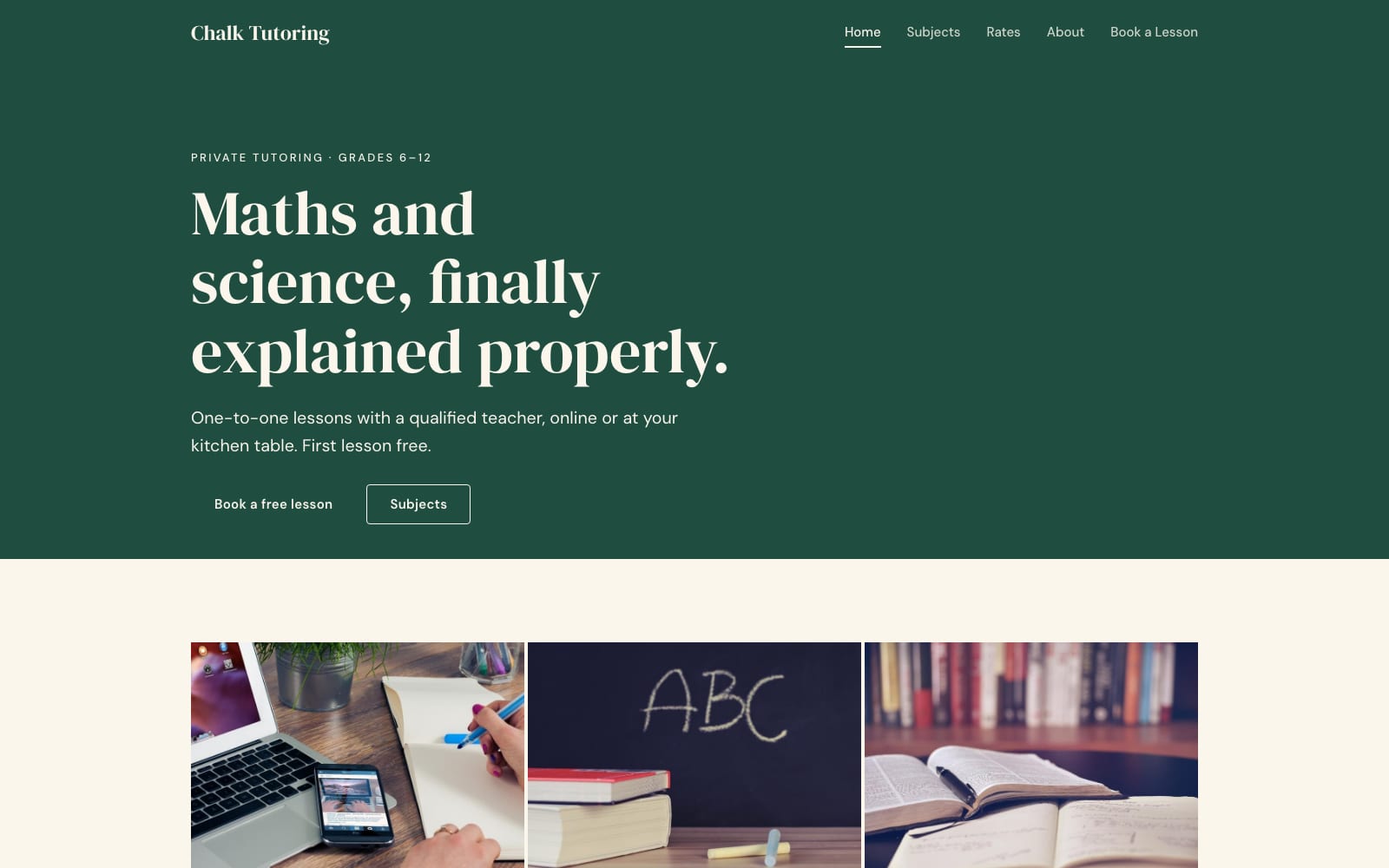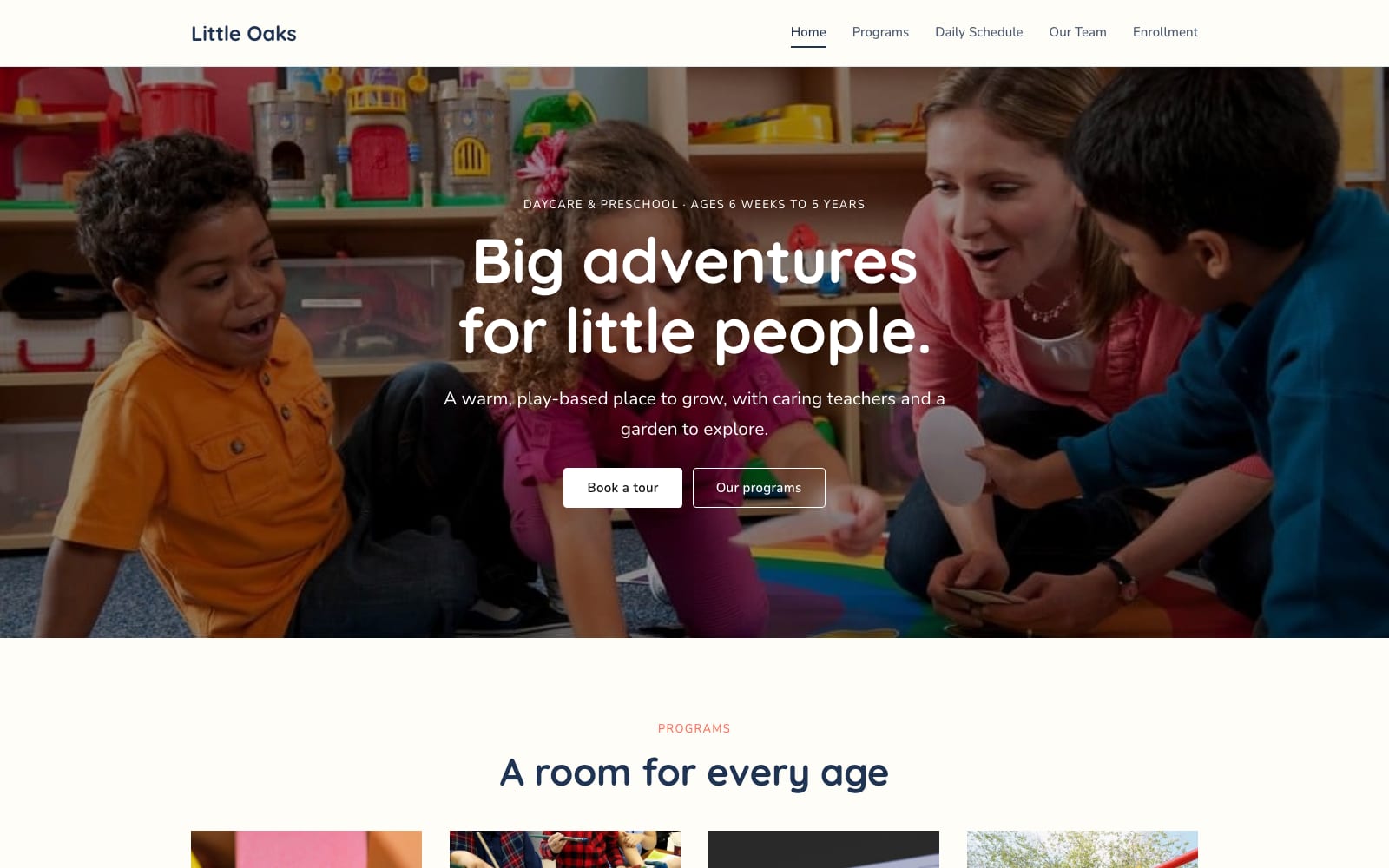
Google Sites Template for Daycares
FreeLittle Oaks · Google Sites template
Every template is free during our launch testing period. Browse templates
Google Sites is already familiar territory in education, because it works hand in hand with Google Drive, Docs, Slides, Forms and Calendar. A tutor can embed a booking form, a daycare can publish its daily schedule and enrollment packet, and a class site can show a live calendar without anyone copying dates by hand.
These templates are organized around the questions parents and students ask first: what is offered, who teaches it, when it runs, what it costs and how to enroll. Each includes a programs page, a schedule or calendar section and an enquiry page you can connect to a Google Form.
Choose a template and click “Get This Template”. It is free.
Open the template and make a copy. The copy is saved to your own Google Drive.
Replace the text and photos with your own, then click Publish.